> For the complete documentation index, see [llms.txt](https://server-side.docs.sirdata.net/sirdata-server-side/llms.txt). Markdown versions of documentation pages are available by appending `.md` to page URLs; this page is available as [Markdown](https://server-side.docs.sirdata.net/sirdata-server-side/english-1/installation/google-ads-configuration.md).

# Google Ads Configuration

## 1) "Conversion Linker" Tag

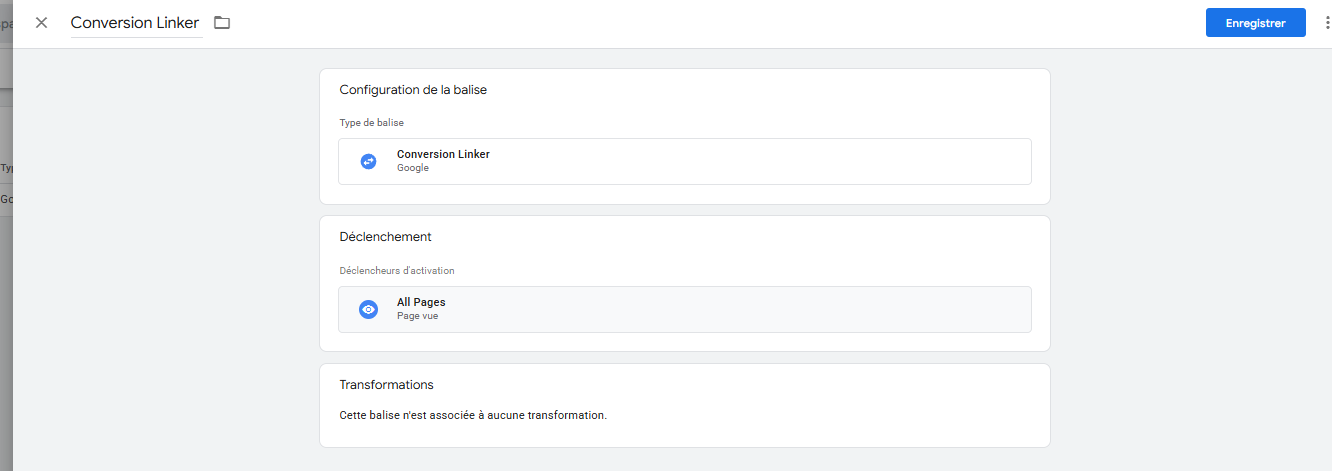
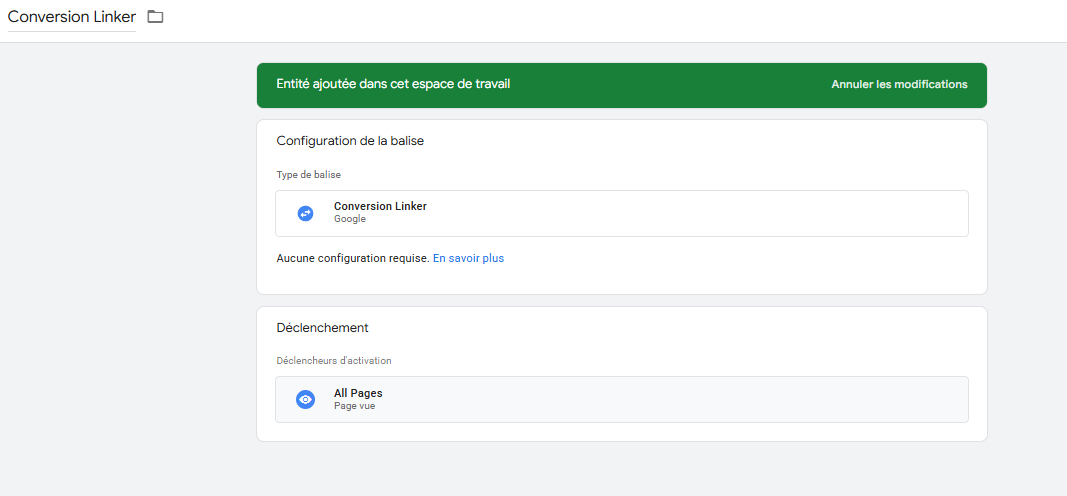
To install the *Conversion Linker* tag in **Server-Side** mode, simply **duplicate the tag on the server side** with an **All Pages** trigger.\
No other specific configuration is required.

<figure><img src="/files/h5LHT8wcD1d6zdexyB0g" alt=""><figcaption><p>Conversion Linker Tag "Web"</p></figcaption></figure>

<figure><img src="/files/xf7qnijmOzvDvyKota9Q" alt=""><figcaption><p>Conversion Linker Tag "Server"</p></figcaption></figure>

## 2) "Google Ads Remarketing" Tag

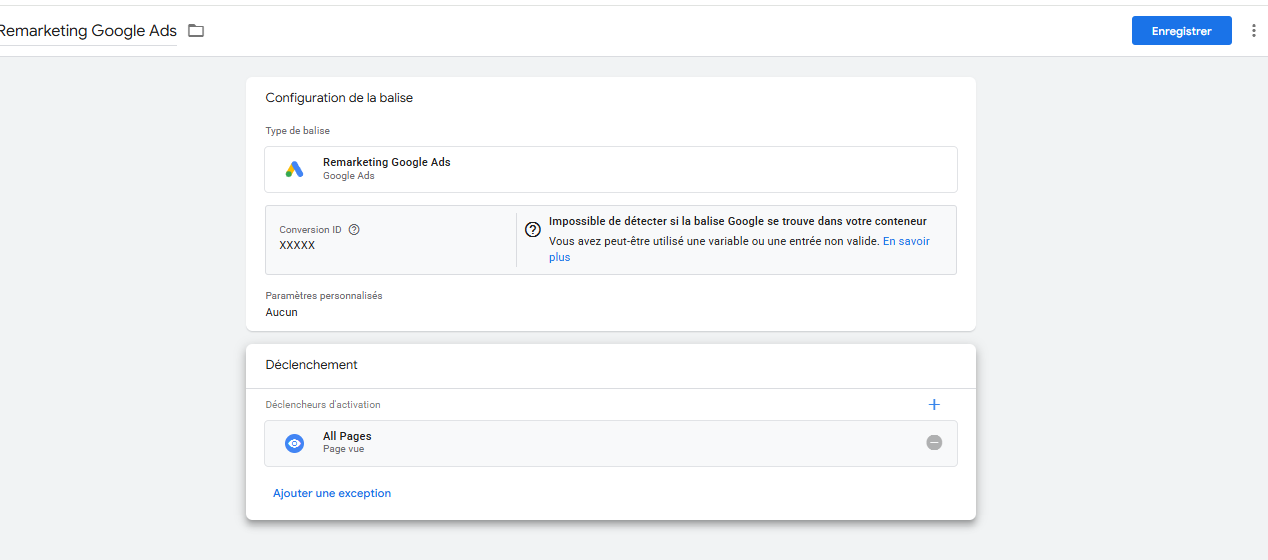
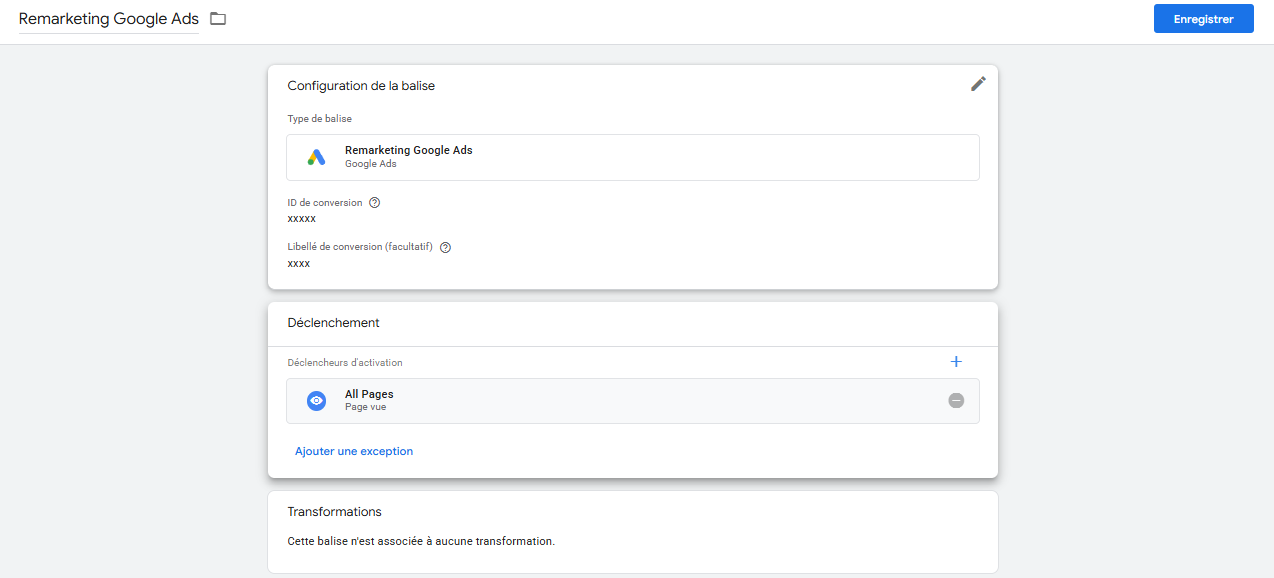
As with the *Conversion Linker* tag, you need to **duplicate the tag on the server side**, filling in the following parameters:

* **Conversion ID**
* **Conversion Label**

No other change is required if the parameters are correctly set.

<figure><img src="/files/ciY4azYGYEu0Lu58TMMI" alt=""><figcaption><p>Google Ads Remarketing Tag "Web"</p></figcaption></figure>

<figure><img src="/files/0Ro3MPNvdCznkZw7LrT5" alt=""><figcaption><p>Google Ads Remarketing Tag "Server"</p></figcaption></figure>

## 3) "Google Ads Conversion Tracking" Tag (Event)

**a) Setting up the tag**

This tag relies on a different logic: it must be linked to a **GA4 event** fired on the browser side.

Let's take the example of an *AddToCart* tag:

<figure><img src="/files/dXJ0lifyNpuWnrR0049m" alt=""><figcaption><p>Google Ads Tag (Web)</p></figcaption></figure>

* You need to **replicate the tag on the server side**, using the same conversion identifiers (ID and Label).
* If a **conversion value** and/or a **currency code** are provided, you can pass them in the Server-Side tag via **"Event Data" variables** (for example: `value`, `currency`).

<figure><img src="/files/i1e6YpjA8AcDT80kr0fs" alt=""><figcaption><p>Google Ads Tag (Server)</p></figcaption></figure>

**b) Setting up the trigger**

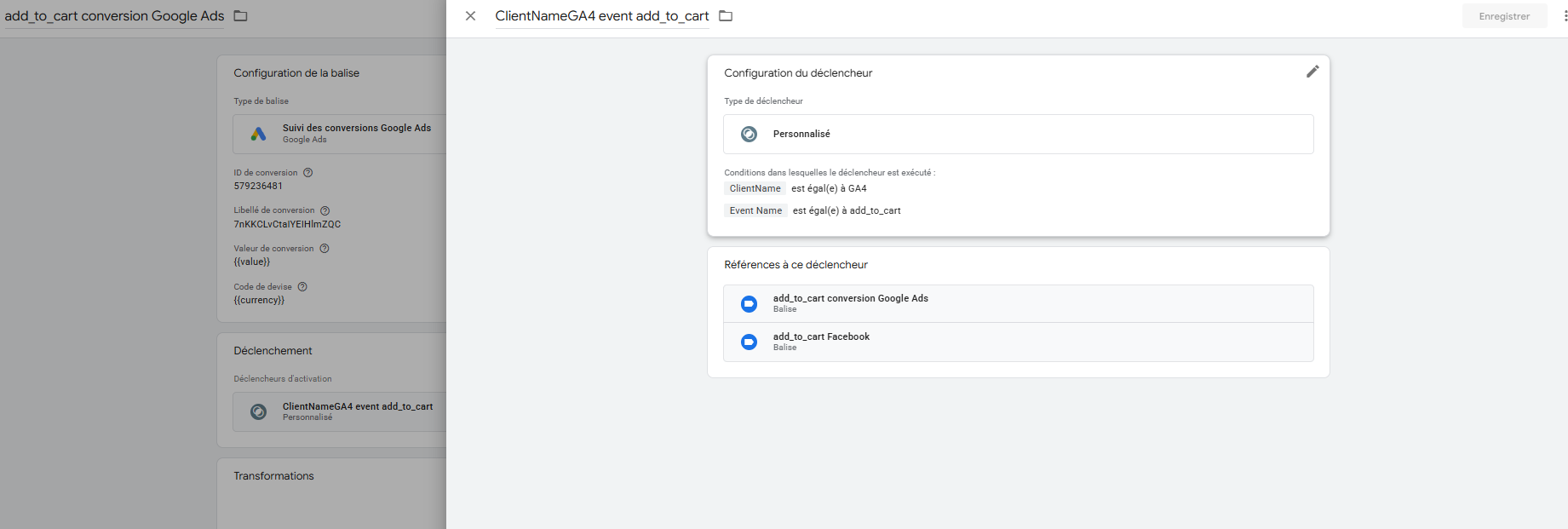
For the trigger, it is essential to **identify the GA4 event** that corresponds to the tracked marketing action (e.g.: `add_to_cart`).

<figure><img src="/files/OSdsSPB13eLc3xI3o38p" alt=""><figcaption><p>GA4 tag with the same trigger (web)</p></figcaption></figure>

Then, create a **custom event** with the following conditions:

* `ClientName` equals `GA4`
* `EventName` equals `add_to_cart`

<figure><img src="/files/ytFs7gBoeP4j6QDCKQ3T" alt=""><figcaption><p>Google Ads Tag trigger (Server)</p></figcaption></figure>

This trigger will allow your Server-Side tag to fire only when a relevant GA4 event is detected by the server.